Introduction: A Critical Reminder for Website Security
A business website may look perfectly normal while running software that contains a serious security weakness. That is why the latest PHP security alert deserves the attention of website owners, developers, and hosting providers.
On 21 October 2026, the PHP development team released emergency security updates for two critical vulnerabilities identified as CVE-2026-109618 and CVE-2026-109619. Collectively known as PHP2Shell, these flaws could allow remote attackers to execute malicious code on vulnerable servers without authentication.
India’s CERT-In subsequently issued a dedicated advisory for micro, small, and medium enterprises on 23 October 2026, urging affected organisations to apply security updates and investigate possible compromise.
For businesses that depend on their websites for enquiries, sales, customer communication, or online transactions, this is a practical security issue—not simply a developer concern.

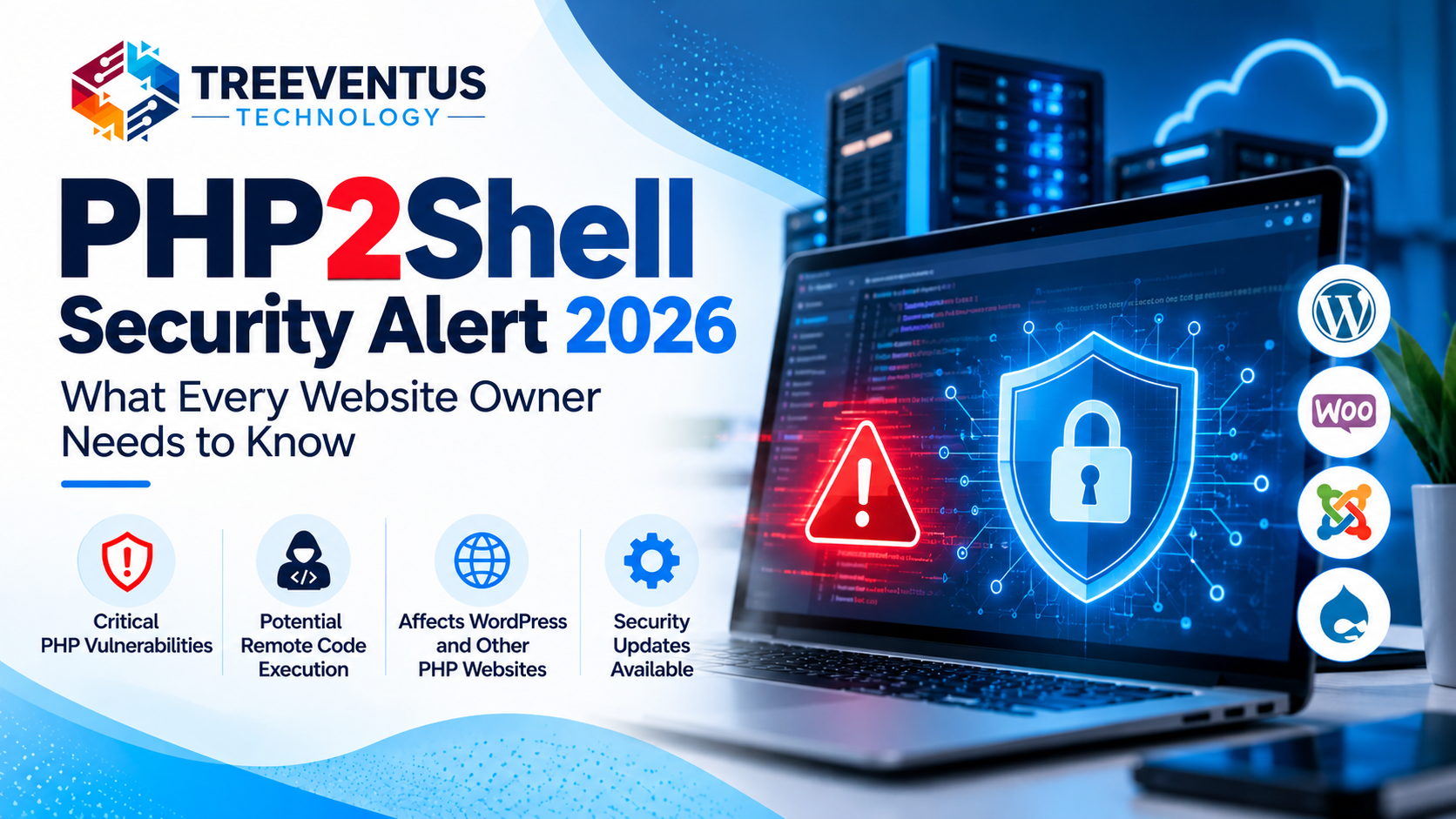
Shows a cybersecurity threat involving server code and potential remote code execution.
What Is PHP2Shell?
PHP is a server-side programming language used to build dynamic websites, online stores, business portals, and web applications. WordPress and many other content management systems rely on PHP to operate.
PHP2Shell refers to two serious vulnerabilities in the PHP runtime. According to the published security advisories, these flaws involve memory corruption and improper handling of application resources.
Under vulnerable conditions, an attacker may be able to send a specially crafted request to a server and trigger unauthorised code execution.
Depending on the environment and the level of access obtained, a successful attack could lead to website tampering, exposure of sensitive information, or further compromise of the affected system.
The presence of a vulnerability does not mean every website has been attacked. However, public-facing systems running affected software should be assessed and patched urgently.
Why Should WordPress Website Owners Pay Attention?
WordPress is built on PHP, but the security of a WordPress website depends on more than the WordPress dashboard.
A site can have updated plugins and themes yet still run a vulnerable PHP version supplied by its hosting environment.
This distinction matters because updating a WordPress plugin does not automatically update the server’s PHP runtime.
Website owners should pay particular attention to:
- Business websites that generate customer enquiries.
- WooCommerce and other online shopping websites.
- Membership portals and customer account systems.
- Websites that collect personal information through forms.
- Custom PHP applications and business management portals.
- Websites hosted on servers where the PHP version is unknown or no longer supported.
The actual risk depends on the PHP release, server configuration, application behaviour, and whether the relevant security updates have been installed.
Which PHP Versions Are Affected?
The PHP development team announced the following fixed releases on 21 October 2026.
| PHP release branch | Fixed version |
|---|---|
| PHP 8.5 | 8.5.12 |
| PHP 8.4 | 8.4.27 |
| PHP 8.3 | 8.3.36 |
| PHP 8.2 | 8.2.35 |
Earlier versions within these branches should be checked against the official advisory.
PHP 8.1 and older branches no longer receive regular upstream security fixes. Some operating-system vendors and specialist support providers may supply their own security patches, so administrators should verify the status of their specific package rather than assuming it is safe.
Important: PHP 8.2 is approaching the end of its upstream support period on 31 December 2026. Businesses should plan a move to a supported PHP branch as part of their longer-term maintenance strategy.
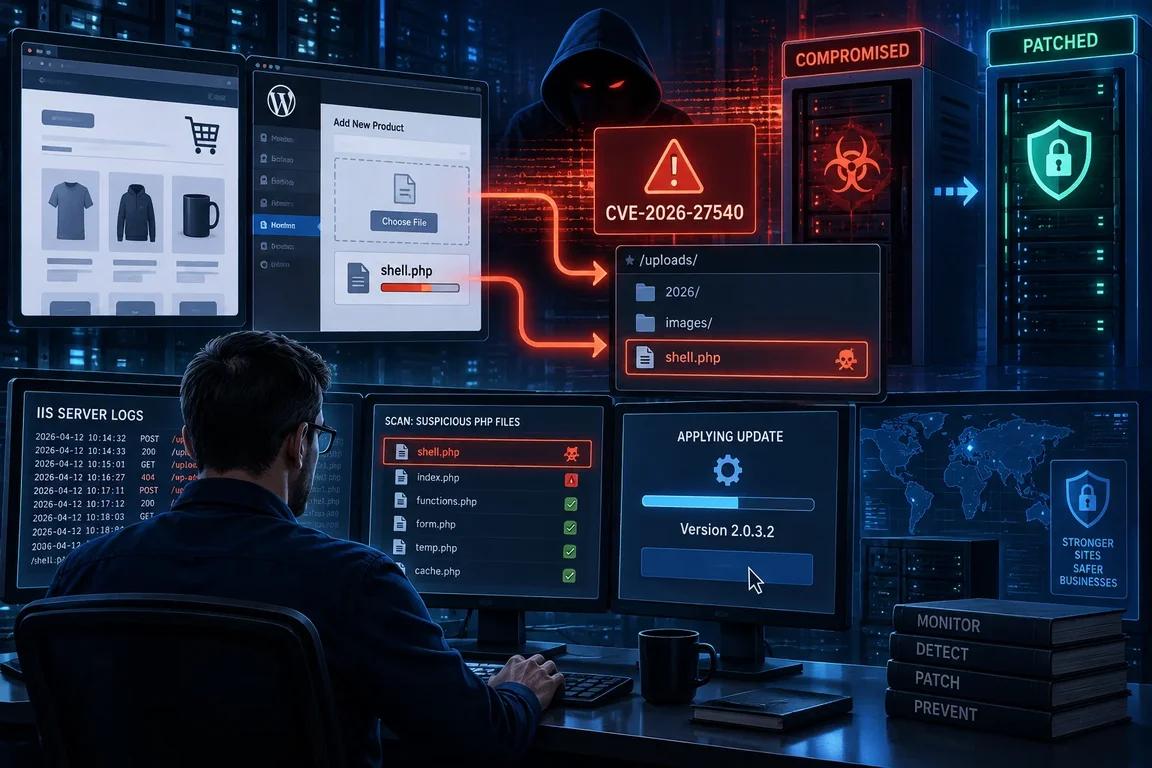
Represents patching, software maintenance, and server updates.
An Additional PHP Security Notice Published on 23 October
The PHP team published another informational security notice on 23 October 2026 concerning CVE-2026-115560.
This issue involves a particular combination of PHP configuration and application behaviour. The PHP team’s temporary recommendation is to disable session upload progress until the relevant regular bug-fix release becomes available:
session.upload_progress.enabled=0
This setting should be reviewed and applied by a qualified administrator where appropriate. The notice is separate from the two PHP2Shell vulnerabilities, and the October 21 updates should not be assumed to resolve this additional issue.
Website owners using managed hosting should ask their provider to confirm the applicable mitigation and any subsequent security updates.
Six Steps to Protect Your Business Website
1. Identify the PHP version
Check the PHP version actually used by your website through your hosting control panel or by asking your hosting provider. Different websites or applications on the same account may use different versions.
2. Install the applicable security update
Upgrade affected PHP installations to the appropriate fixed release or the vendor’s verified security-patched package. Restart relevant services if required and confirm that the running version has changed.
3. Update the website’s components
Install supported updates for WordPress core, themes, plugins, and application dependencies. Remove extensions that are no longer needed, and avoid software from untrusted sources.
These steps reduce other risks but do not replace patching the PHP runtime.
4. Review logs and file changes
Look for unusual requests, unexpected changes to website files, unknown administrator accounts, unfamiliar processes, or unexplained outbound connections.
If compromise is suspected, preserve the available logs and seek help from your hosting provider or a qualified incident-response professional. Updating the software alone may not remove an attacker’s existing access.
5. Maintain secure backups
Keep regular backups of website files and databases in a separate, protected location. Test restoration periodically so your team knows that the backups can actually be used.
Backups can support recovery, but they do not prevent exploitation.
6. Establish a maintenance routine
Schedule regular reviews of PHP versions, software updates, account permissions, backups, and security alerts. Assign responsibility for applying critical patches so that urgent warnings do not remain unattended.
What Should Businesses Using Managed Hosting Do?
Many small businesses do not control the server directly. Their website may run on shared hosting, managed WordPress hosting, a virtual private server, or a cloud platform.
In these cases, contact the hosting provider and ask:
- Is my website running an affected PHP version?
- Has the appropriate security patch been applied?
- Is the website using the patched runtime for actual requests?
- Has the additional October 23 PHP security notice been assessed?
- Are there any signs of suspicious activity that require investigation?
If the provider cannot patch the system promptly, ask about temporary isolation or other vendor-recommended protective measures. Do not assume that a web application firewall alone fully resolves the underlying vulnerability.
How Treeventus Technology Can Help
At Treeventus Technology, we believe a business website should be maintained as carefully as any other important business system.
Our website development and maintenance services help businesses keep their online platforms functional, current, and aligned with their operational needs. Depending on the website and hosting environment, a maintenance review can include software updates, compatibility checks, backup practices, and coordination with the hosting provider.
If you operate a WordPress website, an e-commerce store, or a custom web application, reviewing the underlying technology is a sensible part of your website maintenance plan.
Contact Treeventus Technology to discuss your website development and maintenance requirements.

Conclusion
The PHP2Shell security alert highlights an important principle: website security depends on the underlying server software as well as the application itself.
Business owners should identify affected PHP installations, apply the appropriate patches, review suspicious activity, and plan ongoing maintenance. Those operating unsupported software should also establish a supported upgrade path.
Taking action promptly can reduce avoidable exposure and help businesses protect their websites, customers, and online operations.
Official References
- PHP development team — Security release announcement, 21 October 2026
- CERT-In — Critical PHP vulnerability advisory, 21 October 2026
- CERT-In — PHP2Shell advisory for MSMEs, 23 October 2026
- PHP development team — Official PHP website and security notices